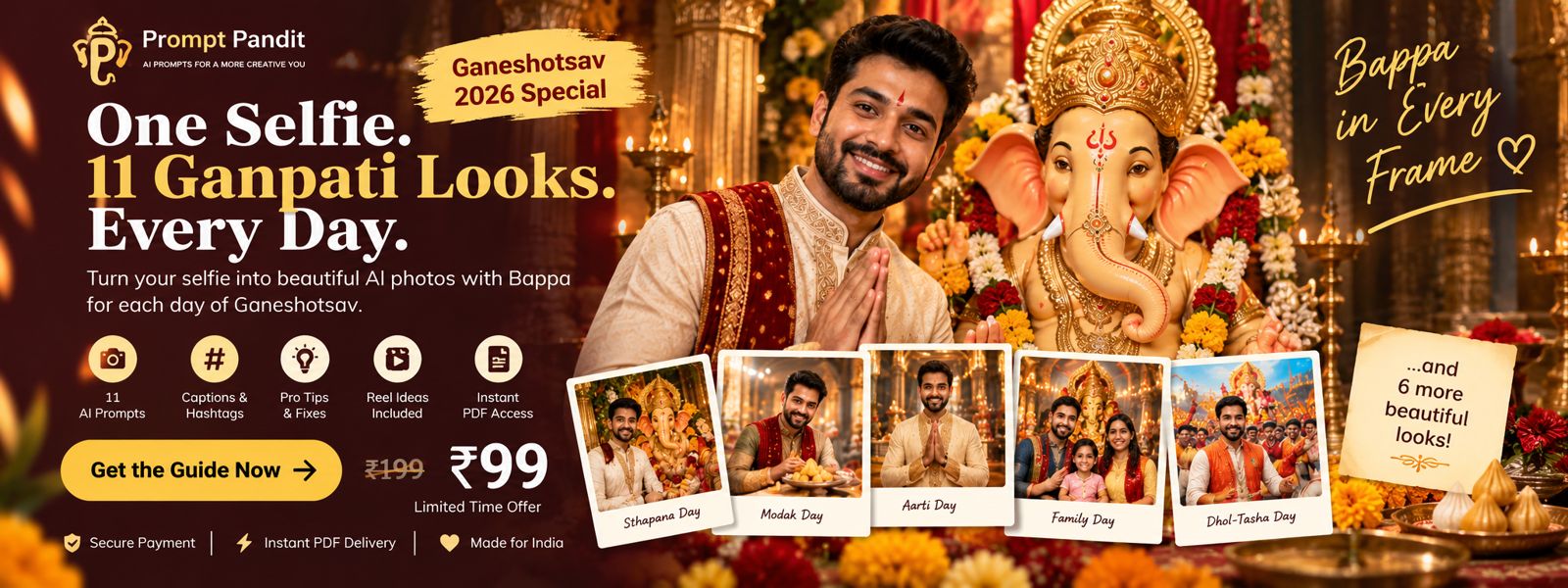
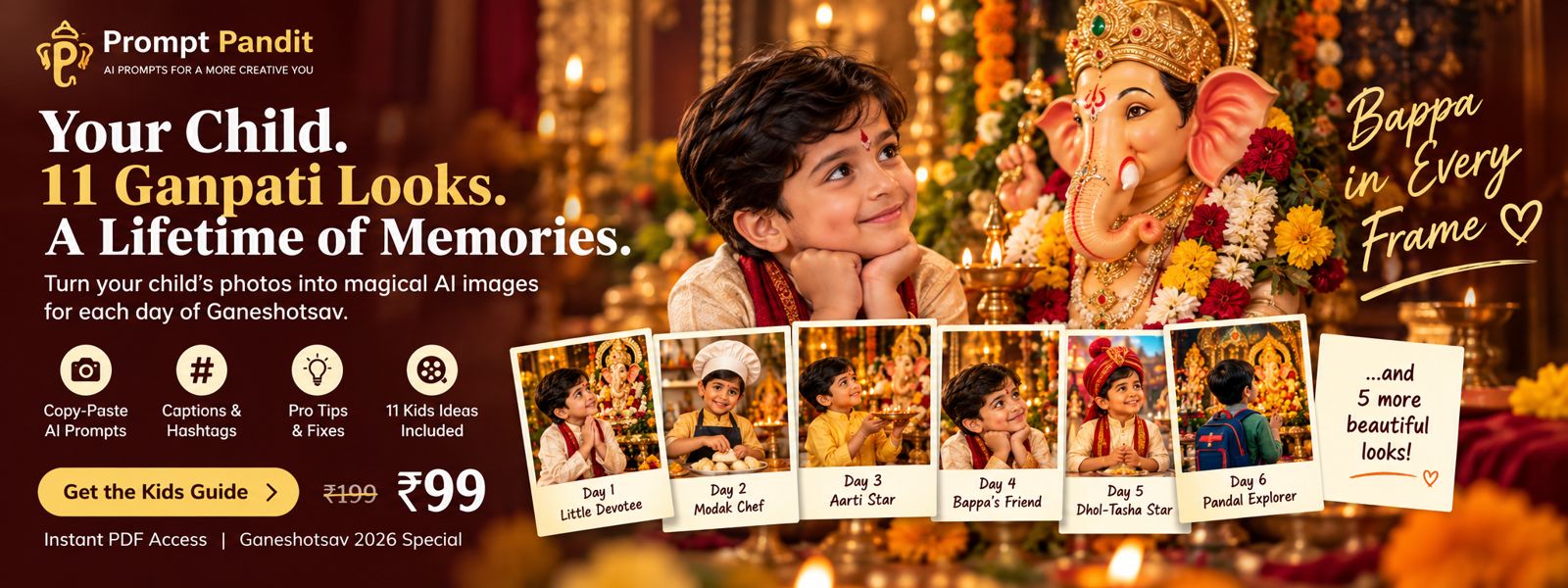
Create a new photo with Bappa every day of Ganeshotsav — using simple copy-paste AI prompts.
11 AI prompts11 captions3 Reel ideasInstant PDF
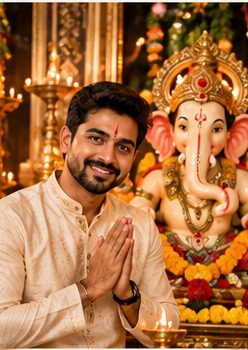
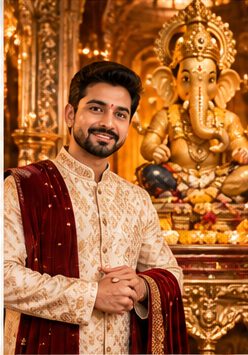
Day 1 · Sthapana
Day 9 · Royal
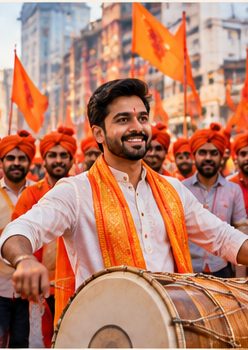
Day 5 · Dhol-tasha
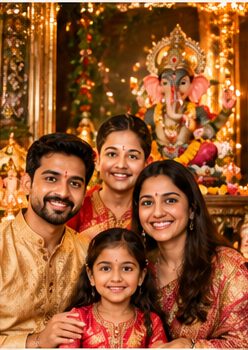
Day 4 · Family
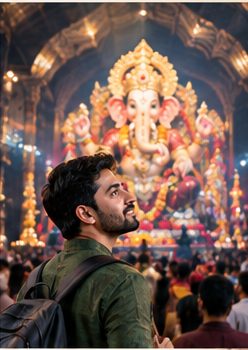
Day 6 · Pandal
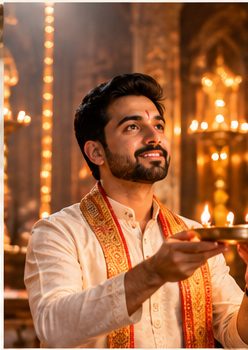
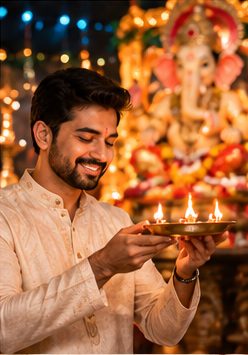
Day 3 · Aarti
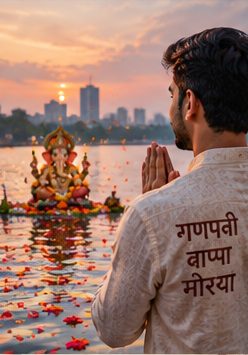
Day 11 · Visarjan
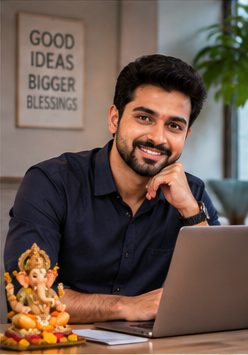
Day 8 · Desk
Day 10 · Last aarti60 seconds a day. No AI experience needed.
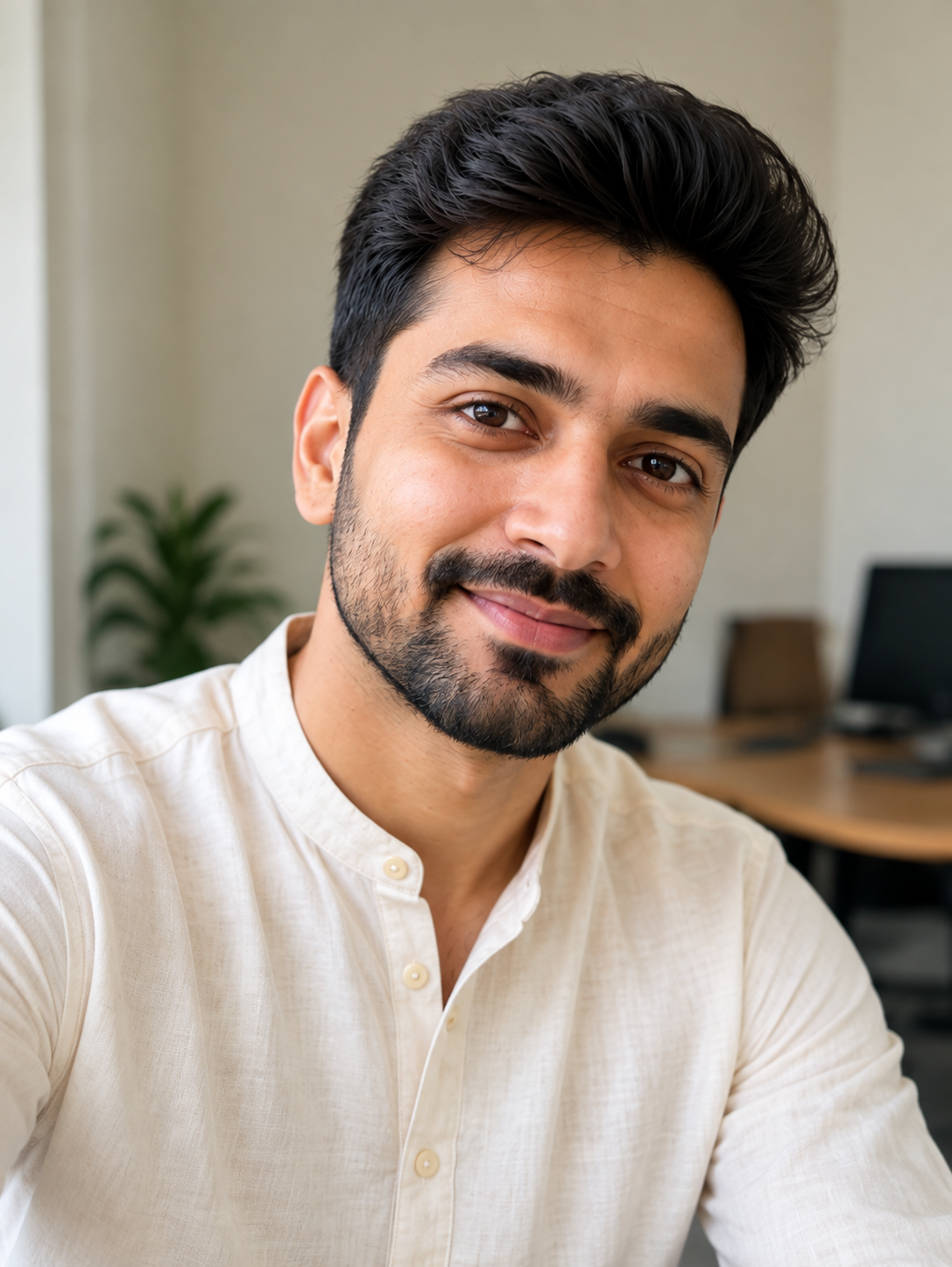
Front-facing, daylight, no sunglasses. One selfie works for all 11 days.
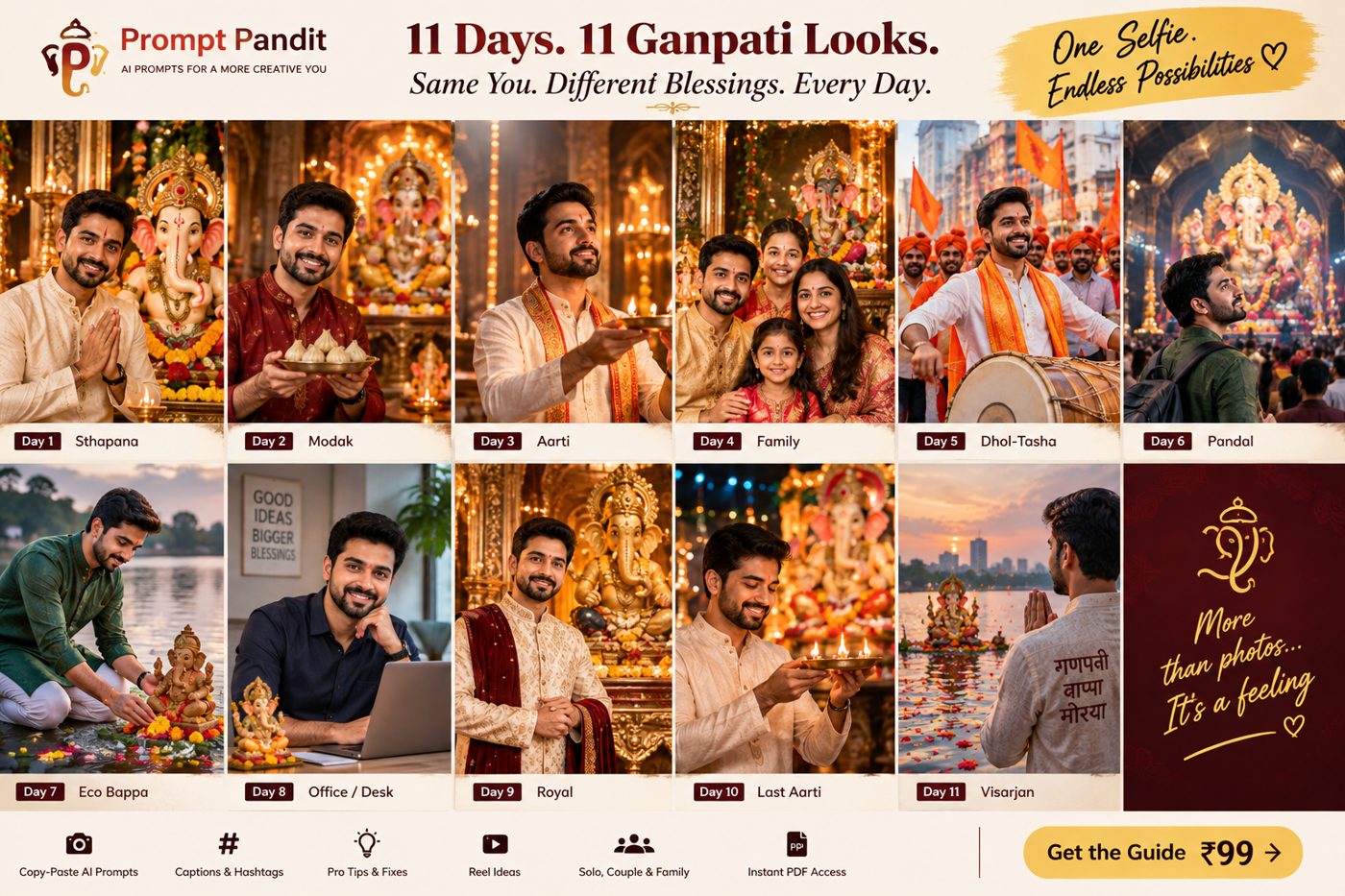
From the PDF. One prompt per day, Sthapana to Visarjan.
Paste into Gemini, ChatGPT, Meta AI or Grok. The prompt keeps your face as it is.
Caption and hashtags for the day are in the guide.
Same face in every photo. Sthapana to Visarjan, one prompt per day.
Original selfie
Day 1 · Sthapana
Day 3 · Aarti
Day 5 · Dhol-tasha
Day 6 · Pandal
Day 9 · Royal
Day 11 · Visarjan
Example output from one selfie. Yours will have your face and your Bappa.
All three are instant PDFs. Prompts work on Gemini, ChatGPT, Meta AI and Grok.
22 prompts · 22 days of ideas · Kids + Adult PDFs
Yes. Every prompt tells the AI to keep your face, skin tone and hairstyle exactly as in your selfie. If it drifts, the fix is on page 2 of the guide.
No. Free Gemini and Meta AI on WhatsApp both work.
Gemini, ChatGPT, Meta AI or Grok. The prompts are written to work on all of them.
No. Upload your selfie, copy the day's prompt, paste it into your AI app, generate. That's it.
Yes. Start with today's prompt and use the earlier ones later for a carousel or memory post.
₹9 · Kids + Adult kits · 22 prompts · captions · instant PDFs
₹9GET THE FAMILY BUNDLE →Add the Adult Kit and get photos of you and your little one with Bappa, every day. Both kits together — still just ₹9.